
Once you've created your Loop, you'll want to share the Loop Code or the Loop URL with others to invite them to join and use the Loop.
Getting Your Loop Code
When you set up your Loop, you specified a Loop Code. This is the code that others can use to join your Loop.
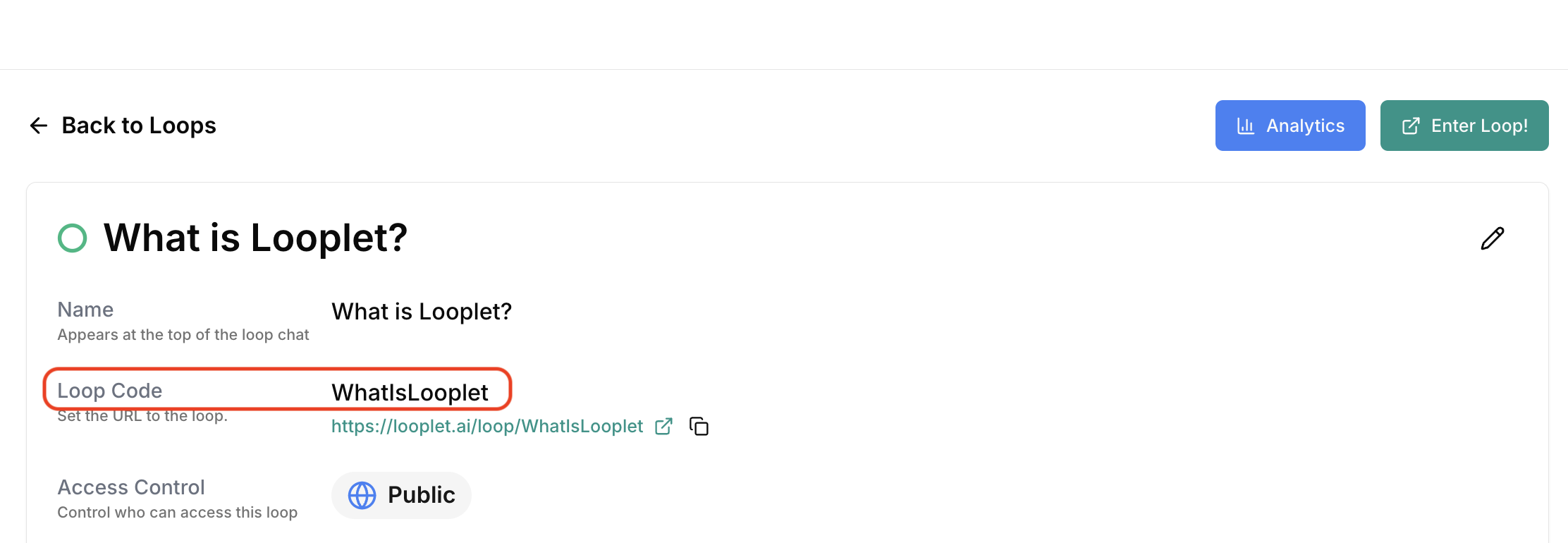
To find your Loop Code, open the Loop Details page.
The Loop Code is listed in the Loop Code section. The Loop Code is not case sensitive.
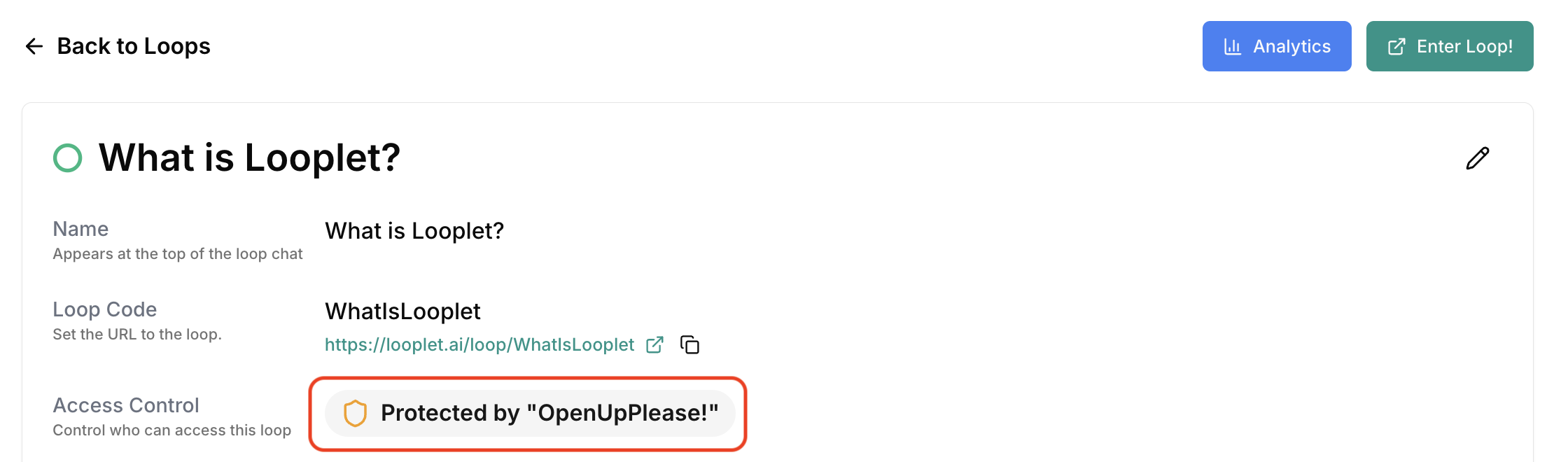
If your Loop is Protected, you will need to share the Loop Code and Passphrase with your group. The Passphrase is listed directly below the Loop Code in the Access Control section. The Passphrase is case sensitive.
Share the Loop
There are two ways to share a Loop with your group: share the Loop Code (and Passphrase for Protected Loops) or share the Loop URL.
Method 1: Share the Code and Passphrase
Share the Loop Code (and Passphrase for Protected Loops) with others. They can:
- Go to Looplet.ai
- Click Join Loop from the upper right menu.
- Enter the Loop Code.
- Click Join.
- If needed, enter the Passphrase and click Enter Loop.
Method 2: Share the Direct Link
You can also share a direct link. The Loop link is listed directly below the Loop Code in the Loop Details page.
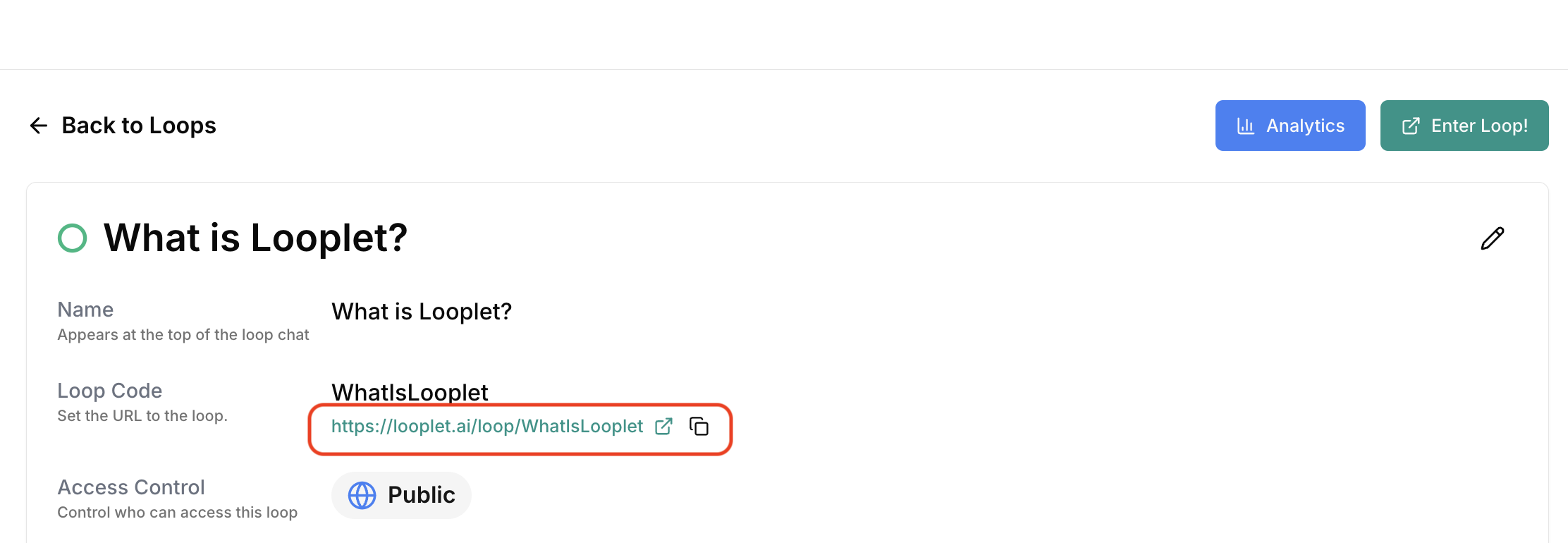
- Copy the link from the Loop Dashboard or from the Loop itself (e.g.,
https://looplet.ai/loop/ABC123). - Share this link via email, chat, or any other method.
- If the Loop is Protected, share the Loop Passphrase, too. Your group will need to enter the Passphrase once they open the Loop URL and click Enter Loop.